Shared assets
Shared assets are organization-wide resources that any member can access and use across all their whiteboards. They live in the Shared assets section of the sidebar, separate from your team workspaces.
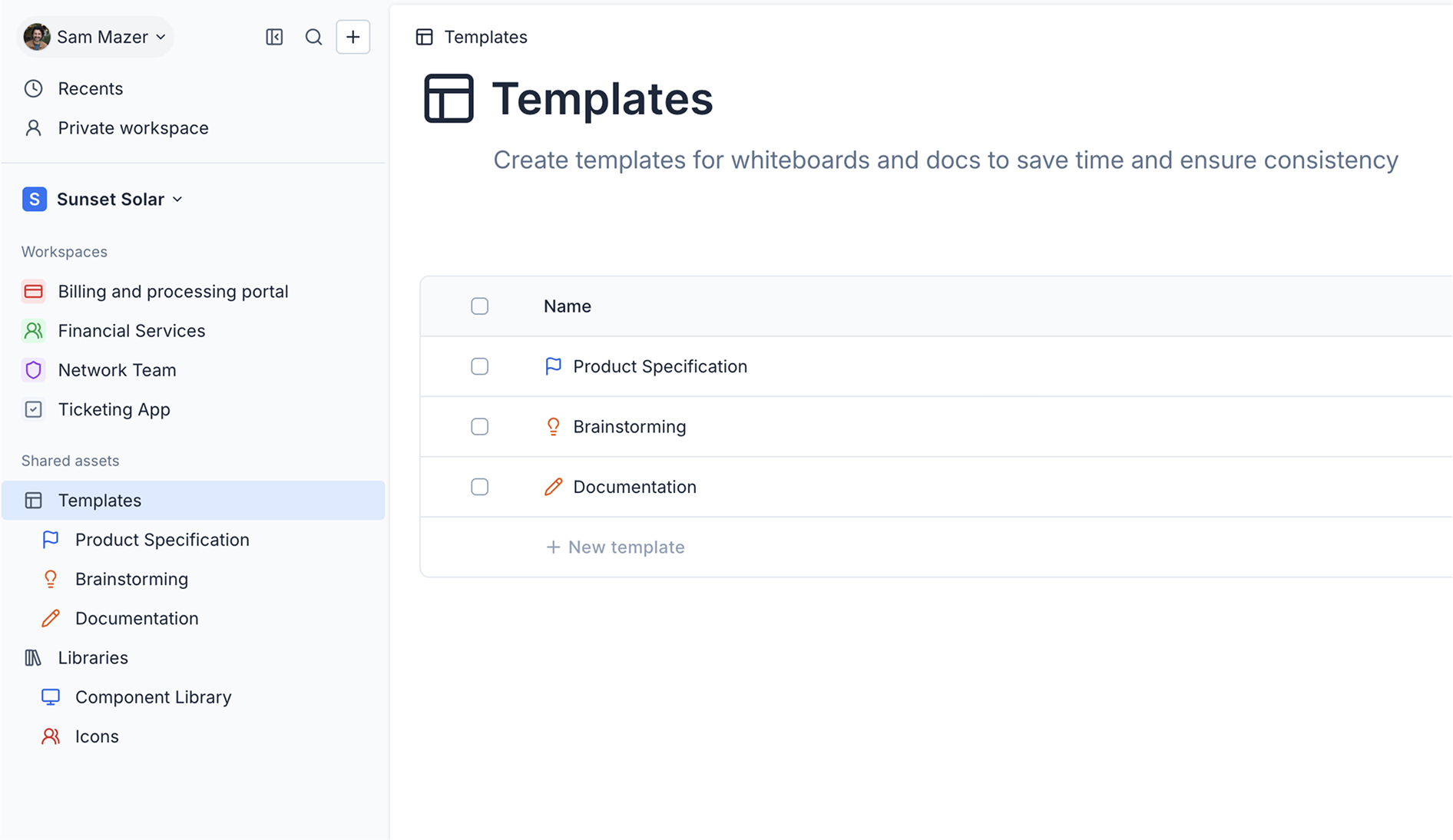
There are two types of shared assets:
- Templates: Reusable whiteboards and documents that give your team a consistent starting point when creating new files. See Templates.
- Libraries: Collections of reusable canvas elements — shapes, groups, UI components, and more — that members can insert into any whiteboard via Quick insert. See Libraries.
Only organization members have access to shared assets. Guests cannot view or use templates or libraries.