Upgrading to Axure Cloud Plus
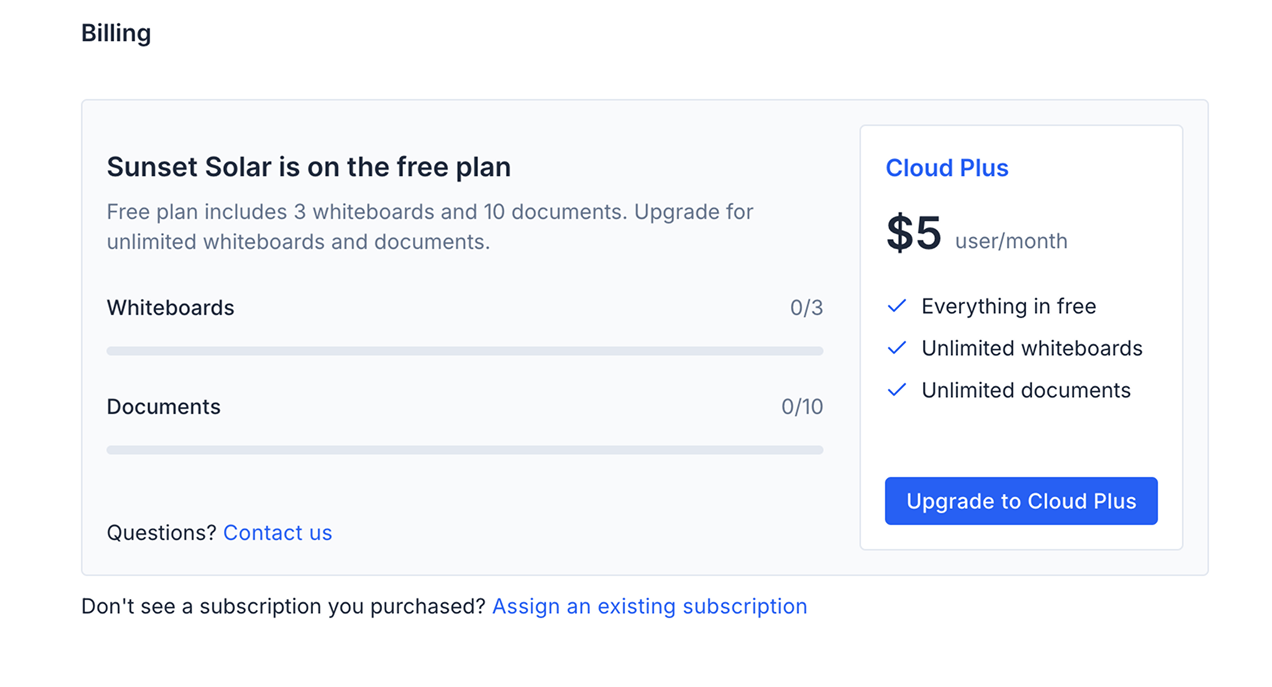
The Free tier of Axure Cloud allows unlimited hosting of prototypes published from Axure RP and includes the ability to publish up to 3 whiteboards and 10 documents. Axure Cloud Plus expands on this by offering unlimited document and whiteboard publishing, along with all the features of the Free tier—making it an excellent choice for teams who want to collaborate and collect feedback directly in the browser.
Adding Cloud Author seats in Axure Cloud
-
Select the organization that you wish to upgrade.
-
Click the organzation dropdown and select Settings.
-
Open the Billing tab in the Organization settings and click Upgrade to Cloud Plus.
-
Complete the purchase in the Axure License Portal.
-
Access the members tab and assign the Cloud Author seats.
Adding Cloud Author seats in Axure Cloud for Business
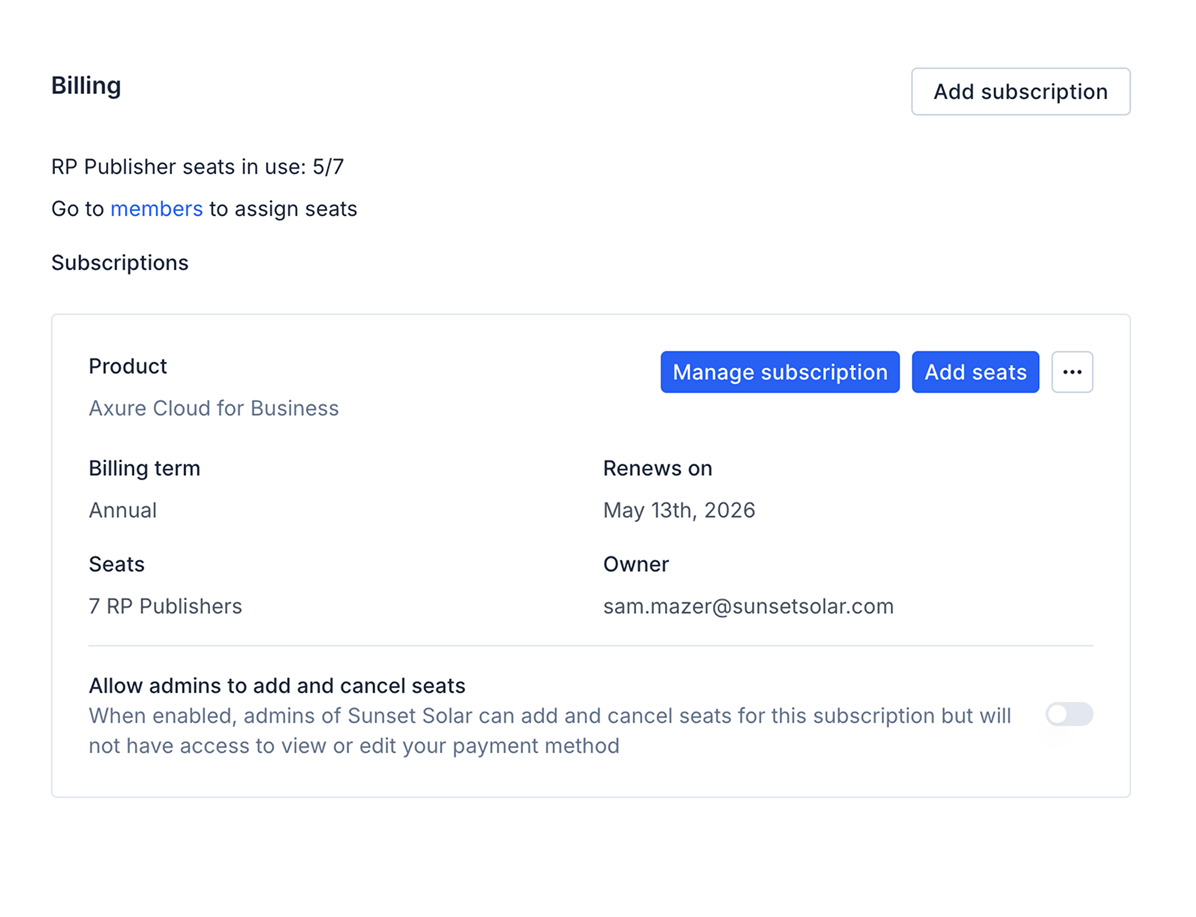
A Cloud Author seat in Axure Cloud for Business allows a member to publish unlimited documents and whiteboards within your organization. Existing Publisher seats continue to enable prototype publishing from Axure RP and are separate from Author seats. To purchase Cloud Author seats in Axure Cloud for Business:
-
Click the organzation dropdown and select Settings.
-
Open the Billing tab in the Organization settings and click Add seats.
-
Add the amount of Cloud Author seats that you wish to purchase and click Buy seats.
-
Access the members tab and assign the Cloud Author seats.
You can also purchase Cloud Plus seats from the Axure Purchasing page